FROM mods
Enhance your DayZ experience with custom mods available for FROM-DayZ servers.
Official Mods
These mods are developed or officially supported for FROM-DayZ servers:
UA Language Pack
Integrate Ukrainian language support into your game.
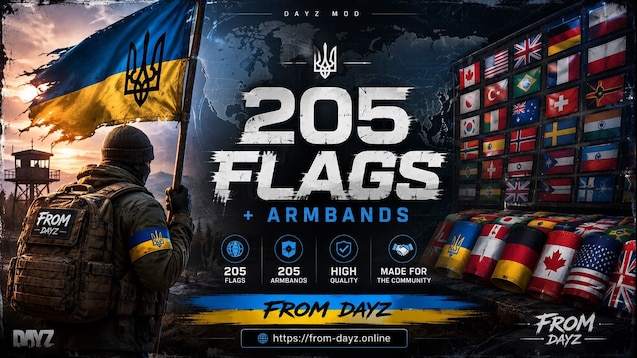
Flags & Armbands
Add a variety of flags and armbands for cosmetic customization.
Exclusive Mods
Discover unique mods and expand your gameplay possibilities through OBLIVION MODS.
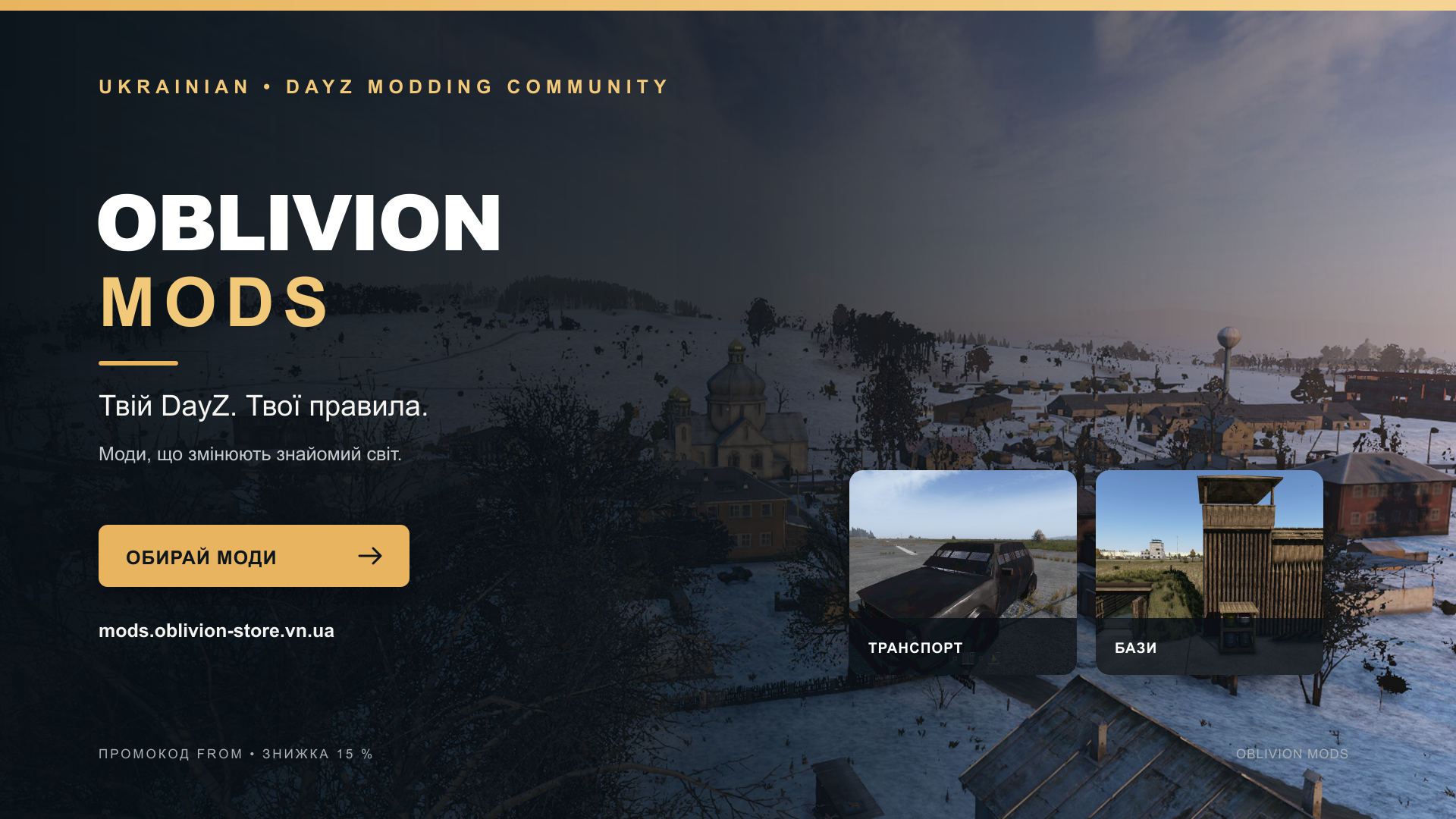
To purchase exclusive mods:
- Visit the OBLIVION MODS website.
- Select your desired mod.
- Join the OBLIVION Discord server.
- Open a ticket to finalize your purchase.
- Use the promo code
FROMto receive a 15% discount.
Update a mod faster
Steam Workshop can pick up updates with a delay. The launcher may still show the mod as Ready while the server already runs a newer version.
To force the latest files, use Repair in the DayZ launcher.
Steps
- Open the DayZ Launcher.
- Go to the MODS tab.
- Find the mod in Loaded mods (for example, FDS - pack).
- Expand the mod row with the arrow on the right.
- Click Repair.
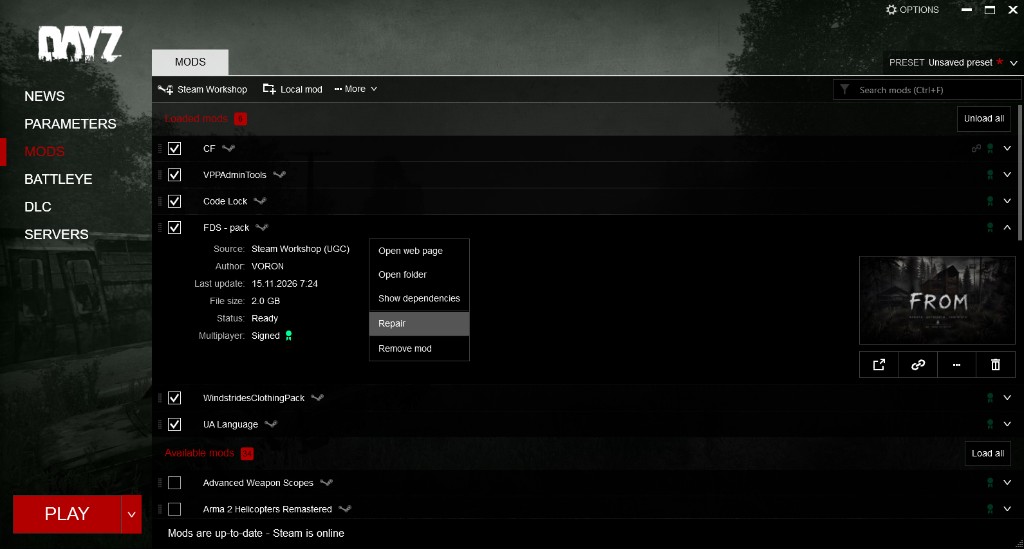
Wait until the status is Ready again, then join the server.